

Menu
Your Cart
Attention Fire IPTV Customers
We are glad to inform you that the issue with FIRE IPTV has been fixed and the problem was with cloudflare dns. Please follow the steps below to fix everything on your end. 

If your Fire IPTV is working for you, great no need to do anything. but if it's not working follow these steps.
1. On your Android box or Firestick, go to the SETTINGS, then click on APPS or APPLICATIONS, find the IPTV app you are currently using and click FORCE STOP, then click CLEAR DATA. Once you click on Clear data it will clear everything and login again with your username and password.
2. If you are using our custom IPTV apps you just need to login using your username and password.
3. If you are using any third party apps then you login using your username, password and portal URL which is 
http://apomtit.com

KODI RSS Feed

27 Sep Best Kodi Addons in October 2026
Admin 0 2156
Best Kodi Addons for Free Streaming in October. 2026 ( for Amazon Firestick and Android boxes )The following list details the Best Kodi Addons on any device including Firestick, Fire TV, Android TV Box, Nvidia Shield, Smart tv and more.Currently, som..
05 Jun Best Kodi Addons June 2026
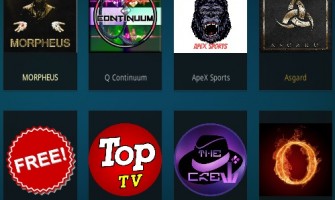
Admin 1 3435
Kodi Add-ons are in a constant state of change with old ones that often were once the best sometimes replaced by new add-ons.When buying a box from shipincanada.com, we always make sure to give you the best working addons at the time of purchase and ..
04 Jun Best Kodi Build in 2021
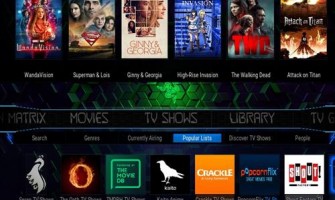
Admin 0 2009
There are many Kodi Builds available that come with different look, layout, and sizes. Builds make Kodi installs easier since they come with the add-ons already installed. A Kodi Build will need to match a users hardware and preferences, not every ..
Showing 1 to 3 of 3 (1 Pages)